
Guide · Safety
Online gaming safety checklist for players and parents
Free-to-play games are easy to start, which also makes them a popular target for scams. These habits protect your account, your money and younger players.
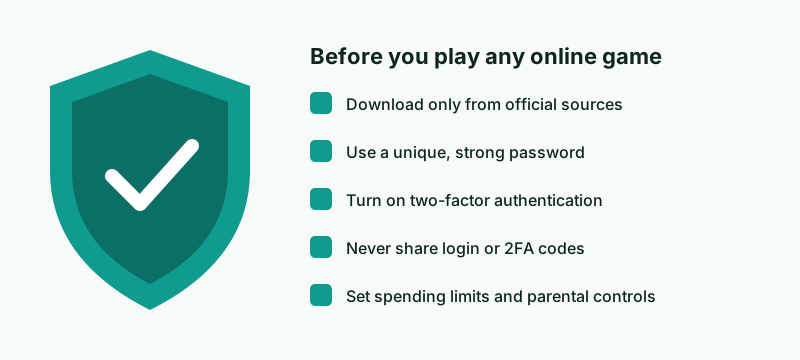
1. Download only from official sources
Install games from the publisher's official website or your platform's official store (for example the Microsoft Store, PlayStation Store or Xbox Store). Avoid “cracked” versions, mod packs from unknown sites and download mirrors. They are a common way to spread malware.
2. Use a unique password and two-factor authentication
Use a password you do not use anywhere else, ideally stored in a password manager. Turn on two-factor authentication (2FA) whenever the game or platform offers it. Many publishers offer an authenticator app or email confirmation.
3. Recognise common scams
- “Free currency” generators. They do not work. They are designed to steal logins or make you complete paid offers.
- Fake support messages. Real support will never ask for your password or 2FA code.
- Account and item trading off-platform. It often breaks the game's terms, and buyers are frequently scammed or banned.
- Phishing links in chat or by email that imitate login pages. Check the address bar before you log in.
4. Age ratings
In most of Europe, games are rated by PEGI with age labels of 3, 7, 12, 16 and 18, plus content descriptors such as violence, bad language or in-game purchases. Look up the current rating of a specific game on the PEGI website. Some countries use their own rating systems.
5. Parental controls and spending limits
Windows (through Microsoft Family Safety), PlayStation and Xbox all offer family settings that let a parent:
- restrict games by age rating;
- set spending limits or require approval for purchases;
- limit or turn off chat and messaging with strangers;
- set play-time limits.
Menus change between system updates, so follow the platform's own help pages for exact steps.
6. Talk about online contact
Online shooters usually include text or voice chat with strangers. Agree with younger players what they should do if someone is abusive or asks for personal information: mute, block, report and tell an adult.
Sources
- PEGI, Pan European Game Information, age rating system: https://pegi.info/
- Official family-safety and parental-control help pages from Microsoft, Sony Interactive Entertainment and Xbox.
This guide is general information. If anything here differs from the official guidance of a platform or game publisher, their guidance prevails.